R4ID

Your profiles. Organized and ready.
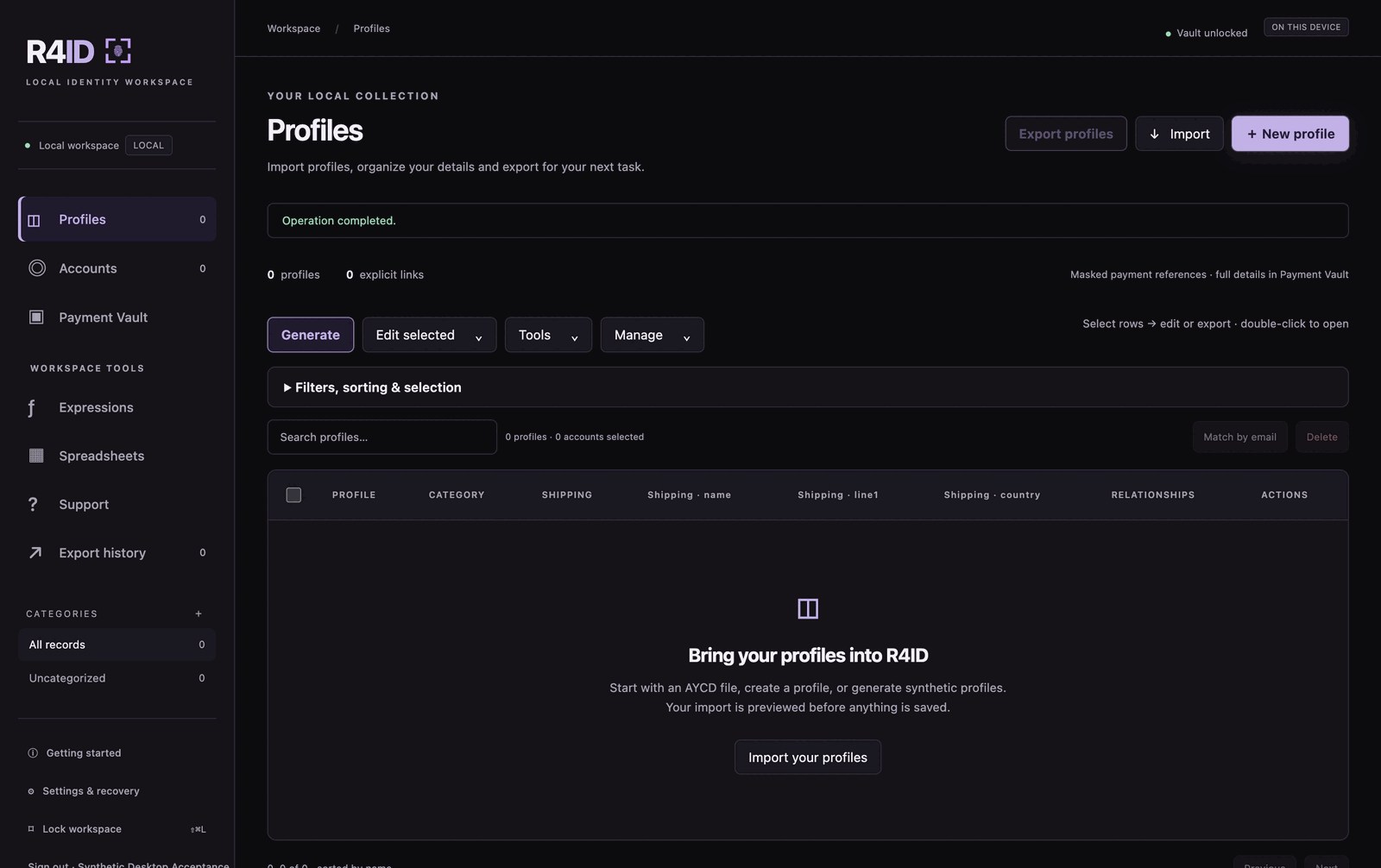
Manage profiles, saved payment details, and Target or Walmart accounts in one desktop app. Import your data, make changes in bulk, and export for your supported bots.
Windows · Mac Apple Silicon · Mac Intel
What it does
Profiles in one place
Create, import, organize and update your profiles.
Faster bulk changes
Generate profiles and edit multiple records together.
Saved payment details
Keep reusable card details in an encrypted vault on your computer.
Target and Walmart accounts
Organize accounts, saved credentials and related profiles.
Import and export
Work with AYCD-compatible files and supported bot profile formats.
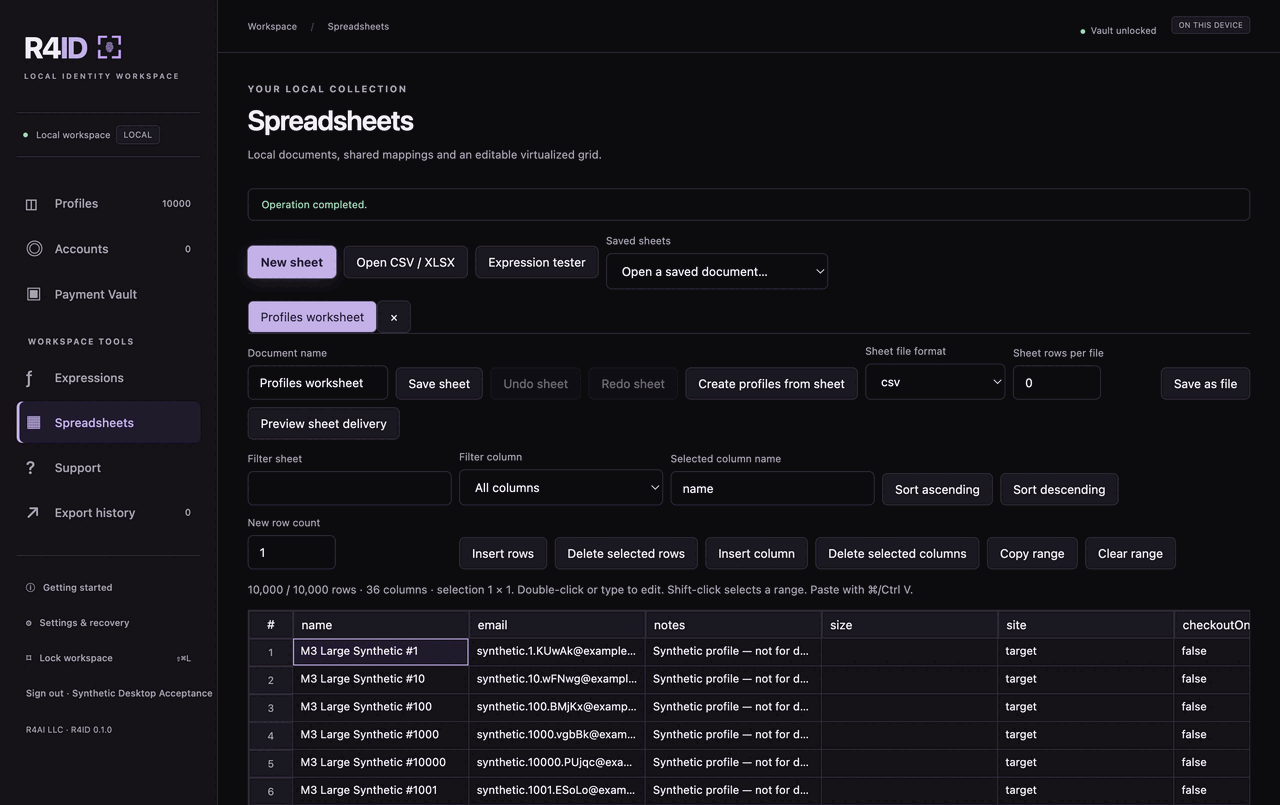
Spreadsheet tools
Edit data in a grid and reuse saved import/export mappings.
Export formats
Available fields vary by format. QuickCop exports shipping details only.
How it works
Get VIP access
Join the R4FNF Discord and pick up the VIP role in the server.
Download and sign in
Install R4ID, then sign in with the eligible Discord account.
Set up your vault
Create or unlock your local vault, then import, organize and export.
An optional guided walkthrough opens after you set up or unlock your vault, so you can see where everything lives before importing.
Get R4ID
VIP access, then download.
R4ID is for R4FNF Discord VIPs. Join the server and get the VIP role, link that Discord account to your R4FNF account, and your downloads unlock here and in your dashboard.
Sign in to check your access
R4ID is for R4FNF Discord VIPs. Sign in, link your Discord account, and we'll confirm your access here.
Windows — x64 installer
Windows 10 or newer · R4ID-0.1.0-windows-x64-setup.exe
Mac — Apple Silicon
M1 and newer · R4ID-0.1.0-macos-arm64.dmg
Mac — Intel
Intel-based Macs · R4ID-0.1.0-macos-x64.dmg
Version 0.1.0. These installers are not signed, and the Mac builds are not notarized by Apple — Windows SmartScreen and macOS Gatekeeper will warn the first time you open one. On Mac, open the app from Finder with right-click → Open.
Your data stays on your computer
R4ID saves your workspace locally. Saved credentials and payment details are encrypted in a vault you unlock with your own passphrase. Nothing is synced or backed up to R4FNF, so keep your own copies of anything you can't lose.